
JustScribe Voice dictation for Mac, entirely on-device
Hold a shortcut, speak, and the text is typed into whatever app you are in. No account, no subscription, and your voice never leaves your Mac.
macOS 26.2, Apple silicon · 8.1 MB · Release notes
What it does
- Dictate anywhere. A global shortcut works in every app: editors, browsers, chat, the terminal. The text goes where your cursor is.
- Hold to record. Text appears while you speak. When you let go, JustScribe transcribes the whole recording once more for accuracy.
- Stay on your Mac. Transcription runs on-device with Parakeet or Whisper models. Nothing is uploaded.
- Fix the grammar, if you like. Optional on-device correction of grammar, spelling and punctuation, using Apple Intelligence or a local Llama model.
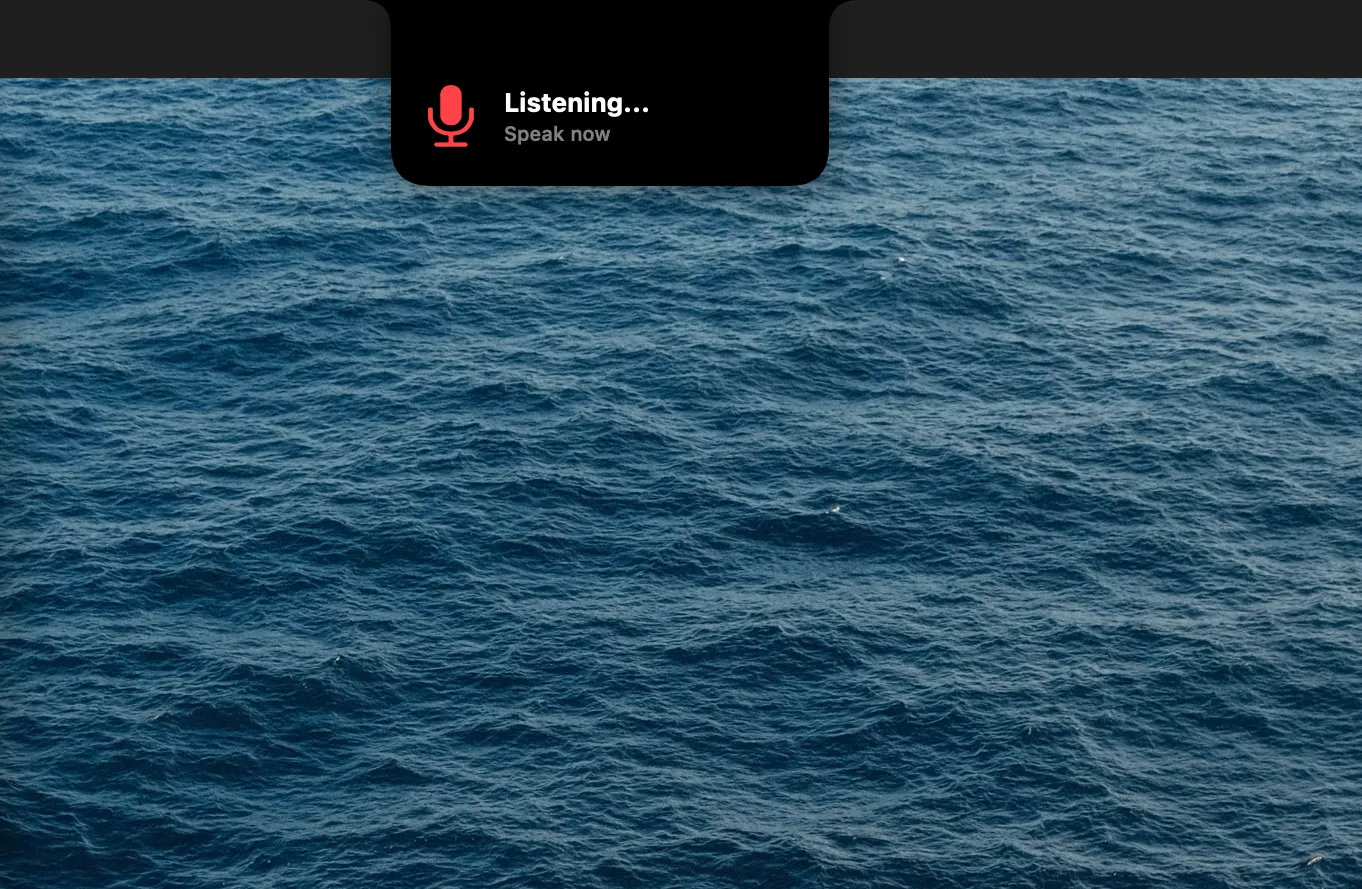
- Make it yours. Any shortcut, including modifier-only ones; microphone priority order; a floating bubble or a notch indicator; light and dark appearance.
- Stay out of the way. Lives in the menu bar, can launch at login, can copy each transcription to the clipboard, and updates itself.
Quick start
- Install. Open the disk image and drag JustScribe into Applications.
- Pick a model. On first launch, download a transcription model. Parakeet v3 is the recommended one.
- Grant two permissions. Microphone, to hear you, and Accessibility, to type into other apps.
- Dictate. Put the cursor in any text field, hold Control Shift Space, speak, and release.
The shortcut, model, microphone order and behaviour are all in Settings.
Models
Models are downloaded on demand and stored on your Mac. Pick one in Settings; you can switch at any time.
| Model | Download | Languages | Notes |
|---|---|---|---|
| Parakeet v3 | ~250 MB | Multilingual | Recommended |
| Parakeet English | ~200 MB | English | |
| Whisper Tiny | ~75 MB | Multilingual | Smallest |
| Whisper Base | ~142 MB | Multilingual | |
| Whisper Small | ~466 MB | Multilingual | |
| Whisper Medium | ~1.5 GB | Multilingual | |
| Whisper Large v3 | ~3 GB | Multilingual | Largest |
Grammar correction is off by default. It can use the model built into macOS when Apple Intelligence is enabled (no download), or Llama 3.1 8B (~4.6 GB download, about 5 GB of memory while loaded).
Coming from the App Store version
JustScribe is no longer distributed through the Mac App Store. Download it here and drag it into Applications, replacing the old copy. Your models and settings are kept.
macOS will ask for Accessibility permission again, because this version is signed differently. If the switch has no effect, remove the old JustScribe entry in System Settings → Privacy & Security → Accessibility and add it again.
Questions
- Is JustScribe free?
- Yes. JustScribe is free and open source under the GNU General Public License v3.0. There are no subscriptions, accounts or usage limits.
- Does it work offline?
- Yes. Transcription and grammar correction run on your Mac; your audio never leaves it. The only network use is downloading a model the first time you pick it, and checking for updates.
- Which Macs does it run on?
- macOS 26.2 or later on Apple silicon (M1 and newer). There is no Intel build.
- Why does it need Accessibility permission?
- JustScribe types the transcribed text into the app you are using by sending keystrokes, which macOS only allows for apps you have granted Accessibility access. Microphone access is needed to hear you.
- Which languages does it understand?
- The recommended Parakeet v3 model and the Whisper models are multilingual. Parakeet English is English only and slightly smaller.
- I installed JustScribe from the Mac App Store. How do I move to this version?
- Download JustScribe here and drag it into Applications, replacing the App Store copy. Your downloaded models and settings are kept. macOS will ask for Accessibility permission again because the app is signed differently; if the switch has no effect, remove the old JustScribe entry in System Settings, Privacy & Security, Accessibility and add it again. From then on the app updates itself.
- How do updates work?
- JustScribe checks for a new version once a day and installs it in the background the next time the app quits. You can turn that off or check by hand in Settings, Updates.
Source and license
JustScribe is open source under the GNU General Public License v3.0.
The code is on GitHub; bug reports and feature requests go to
Issues. To build it yourself, clone the repository, open
app/justscribe.xcodeproj in Xcode and run the justscribe scheme.